List of supported versions#
There are several ways to find out the supported versions.
The first, click on "Show supported kernels" during Step 3 of the Download agents wizard, to see the full list of natively included versions.
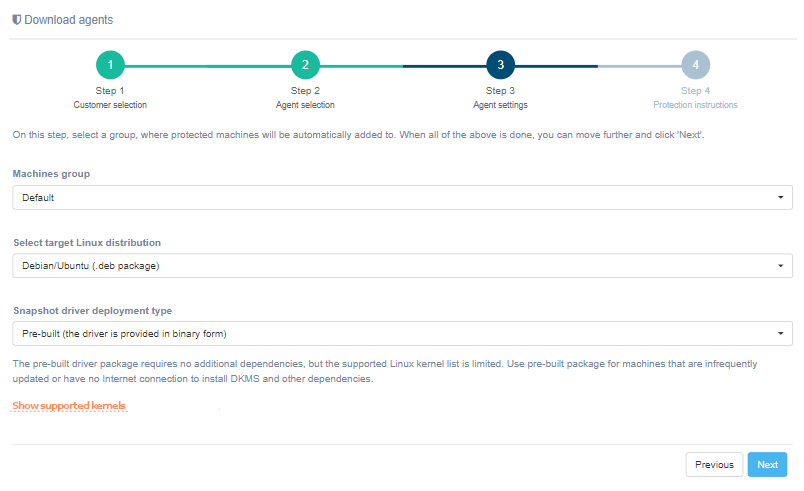
Alternatively, type into the browser:
https://<PLATFORM_IP_ADDRESS>/linux_agent/supported_kernels?dist_type=deb
https://<PLATFORM_IP_ADDRESS>/linux_agent/supported_kernels?dist_type=rpm
Replace <PLATFORM_IP_ADDRESS\> by the IP address of Migration instance.
Note
If a required kernel is not in the list below, please use DKMS Agent type that will build the necessary driver on installation or contact Hystax Support team at [email protected]
Warning
32-bit systems are not supported